 Talks & listens
Itsy's Big Show
- Letters & sounds
- Numbers
- Talking
- Itsy Bitsy Spider
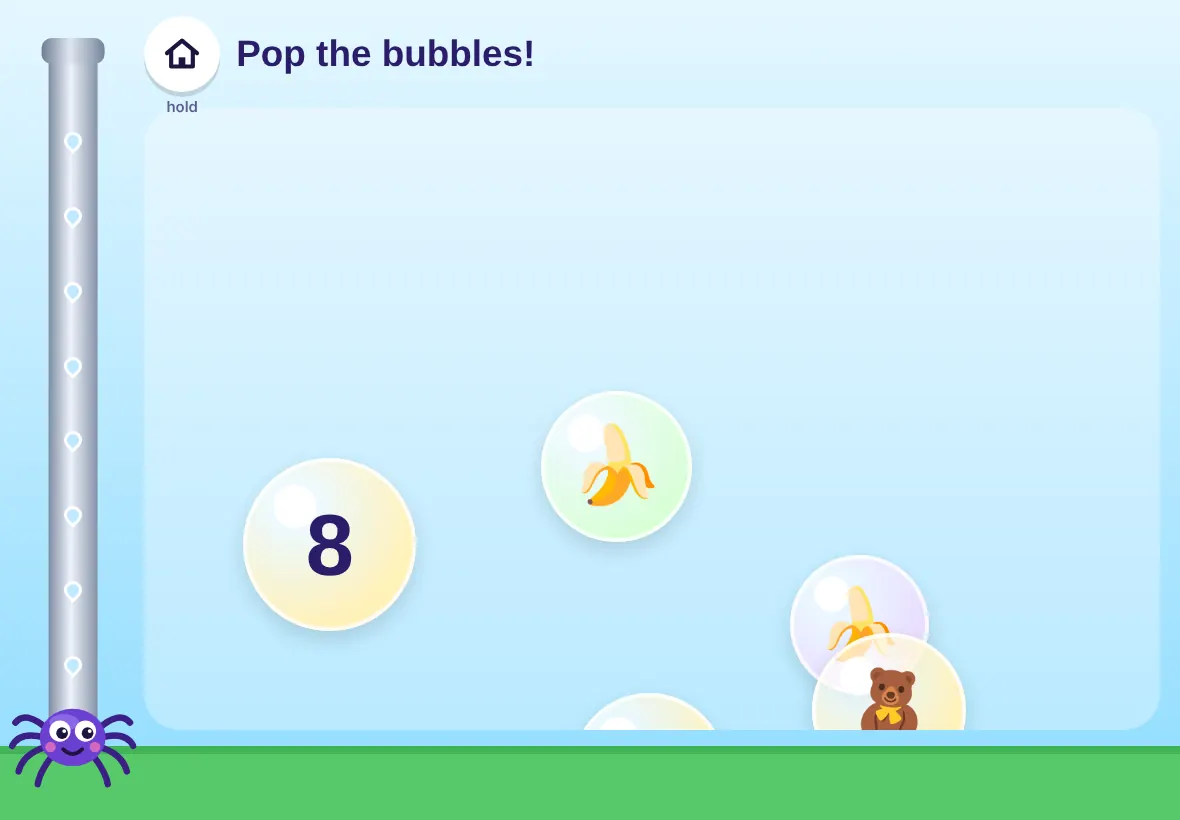
Pop bubbles, help Itsy climb the spout, find letters by their sounds, and make any sound to make Itsy dance. Every line is spoken in a parent's own voice.
Two iPad games a dad built for his twin daughters. Every night, Claude reviews how they played and suggests changes. Once a parent approves, the game rebuilds itself around what holds their attention and helps them learn.
Talks & listensPop bubbles, help Itsy climb the spout, find letters by their sounds, and make any sound to make Itsy dance. Every line is spoken in a parent's own voice.
 One joystick or one finger
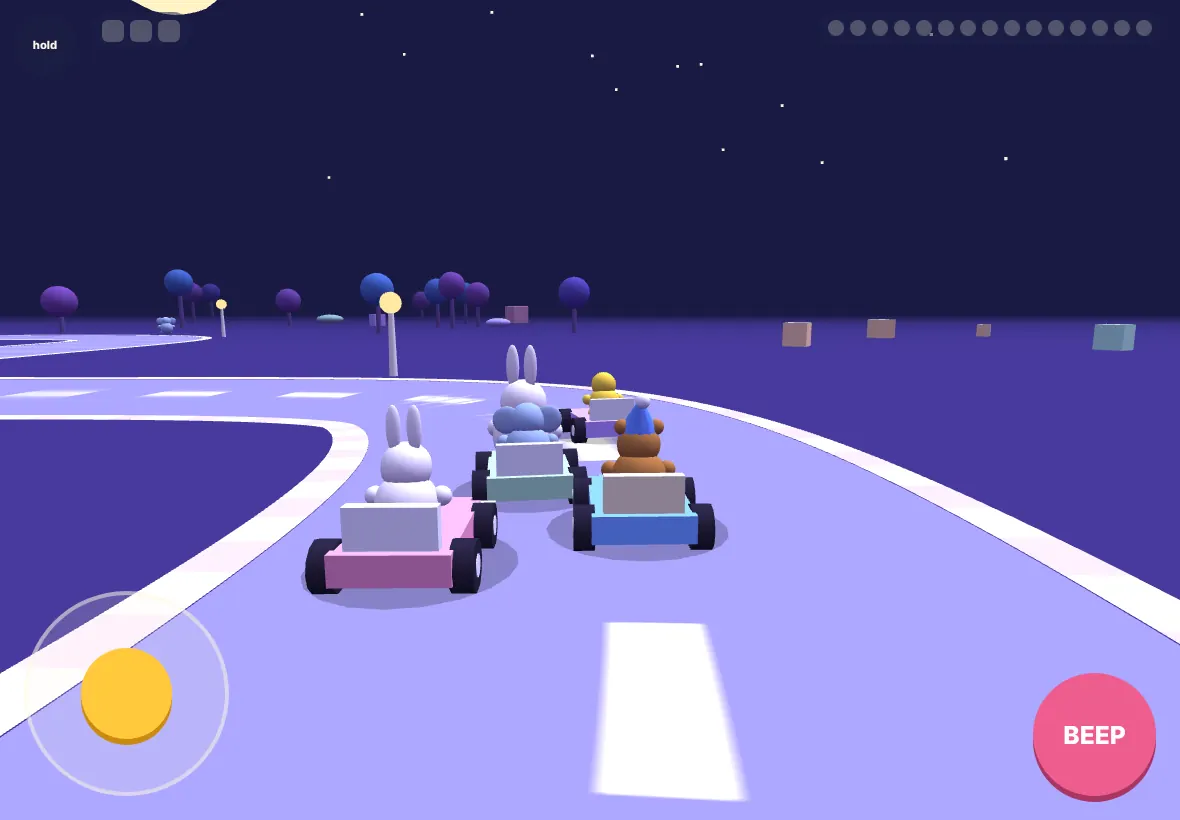
A gentle 3D race through the Rainy Garden or along Sleepy Road. Push to go, tilt to steer, and any button honks. No menus to fall into, and friends always wait.
Join the betaWant one for your kids? Leave your email.
What this is
Most kids' apps are designed once, for the average child. These games start out that way too, then adapt to the specific kids playing them: what they tap first, where they lose interest, which sounds they try, which letters they keep missing.
They're made for young children, including early talkers and kids who drift after a couple of taps. The first job is to grab attention. Learning (letters, sounds, counting, adding one, saying words) is built on top of that.
How it learns
The inner loop changes the game. The outer loop measures those changes and rewrites the rules the AI follows when making them. A parent approves every step.
Taps, answers, sounds, pops, time per activity, signs of drifting attention, all tagged to the child who's playing.
Claude reads the new play and the family's goals and writes a suggestion: plain notes per child plus a changed game setup, one or two changes at a time.
The suggestion is loaded into the real game and played automatically on iPad-sized screens. If anything breaks, it's thrown away.
Nothing changes until a parent taps Apply. Undo is always one tap away.
A plain calculation, with no AI involved, compares how the kids played on each applied version against the one before: minutes per session, first-try accuracy, sounds made and signs of lost interest. Each change gets a verdict: helped, hurt, mixed or no change.
Once enough results are in, Claude reads that scorecard against its own earlier reasoning and rewrites its playbook, the rules it follows when it suggests changes. It keeps what worked and drops what didn't. The parent approves the new playbook too.
Example scorecard entry
v4 vs v3: ✅ Helped. Play per session 3.2 → 4.4 min (+38%); first-try right 61% → 64%; lost-interest signals 2.1 → 1.2.
Interactive voice
Every line Itsy says, about 450 of them (questions, letter sounds, counting, praise, "Can you say moo?"), plays in a parent's own cloned voice, made once with ElevenLabs.
If a line has no recording yet, the device voice says it, and it's recorded automatically that night.
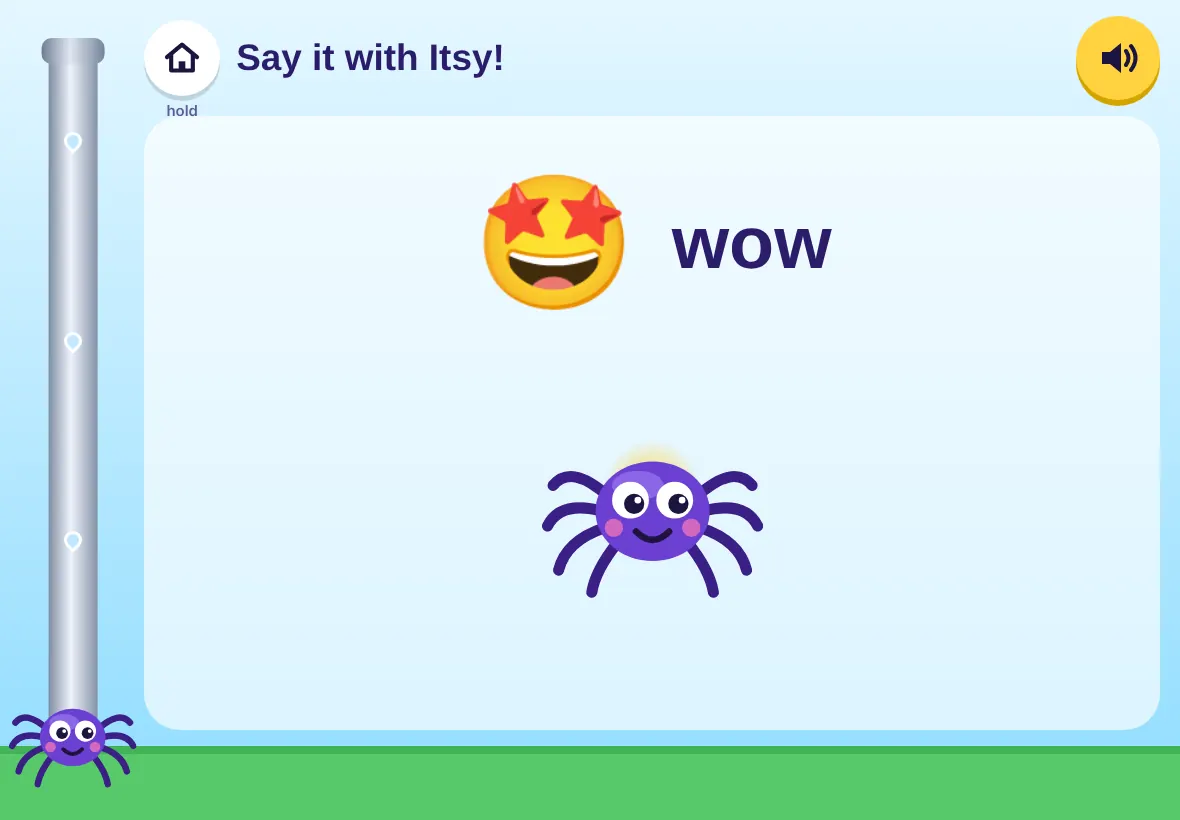
In Say It!, Itsy shows a picture and asks the child to say it. Any sound counts: a babble or a try makes Itsy jump and sparkle. It rewards the attempt, not the perfect word.
The microphone only measures loudness on the device. Nothing is recorded or sent.
No app store
Each game is a progressive web app (PWA): a website that installs like an app. It opens full-screen from its own home-screen icon and works offline. An improvement made tonight is on the iPad tomorrow, without an App Store or Play Store review.
Privacy & safety
The full source is public: github.com/kevingkday/MaddyKenzy. Families in the invite-only beta sign in at the parent dashboard.
Beta
A small invite-only beta is coming for other families: tell it about your child, and it builds a starter game and keeps tuning it to how they play. Leave your email and you'll hear when there's a spot. Nothing else, no newsletter.
Your address is stored encrypted and used only to invite you. Ask and it's deleted.