Game 2
Itsy & Sleepy Kart
A gentle 3D kart race you can drive with one flight-sim joystick or one finger. It was made for little kids who found console controllers too complicated: too many buttons, and one wrong press drops you out of the game.
- Ages about 3 and up
- Joystick · touch · keyboard
- No menus
How it plays
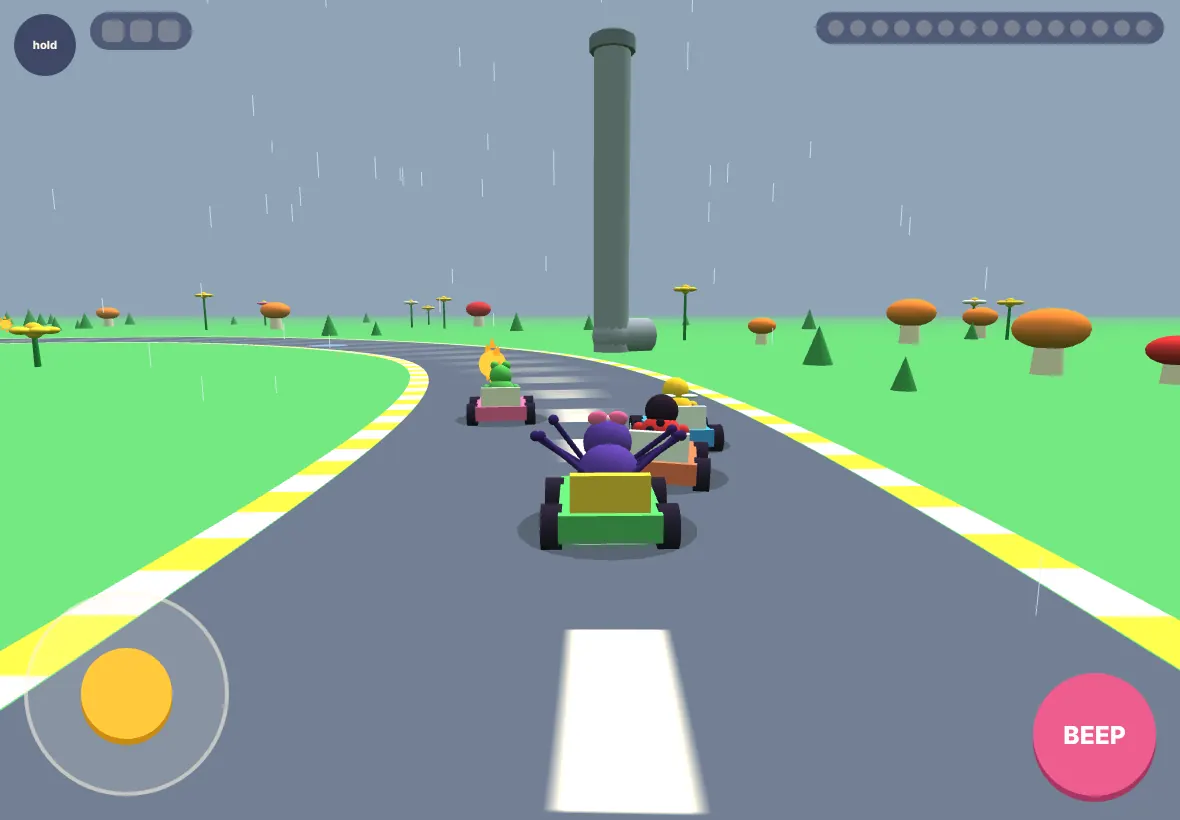
Push to go. Tilt to steer. Everything else honks.
On a computer
Flight-sim joystick
Plug in any joystick. Pushing forward drives and tilting steers. Every button on the stick just honks, so nothing pauses, quits or opens a menu. Arrow keys work too.
On an iPad or phone
One finger
A big yellow circle sits in the corner: drag up to go, sideways to steer. The pink BEEP button honks. The touch controls only appear on touch screens.
Pick a world by leaning
No reading needed
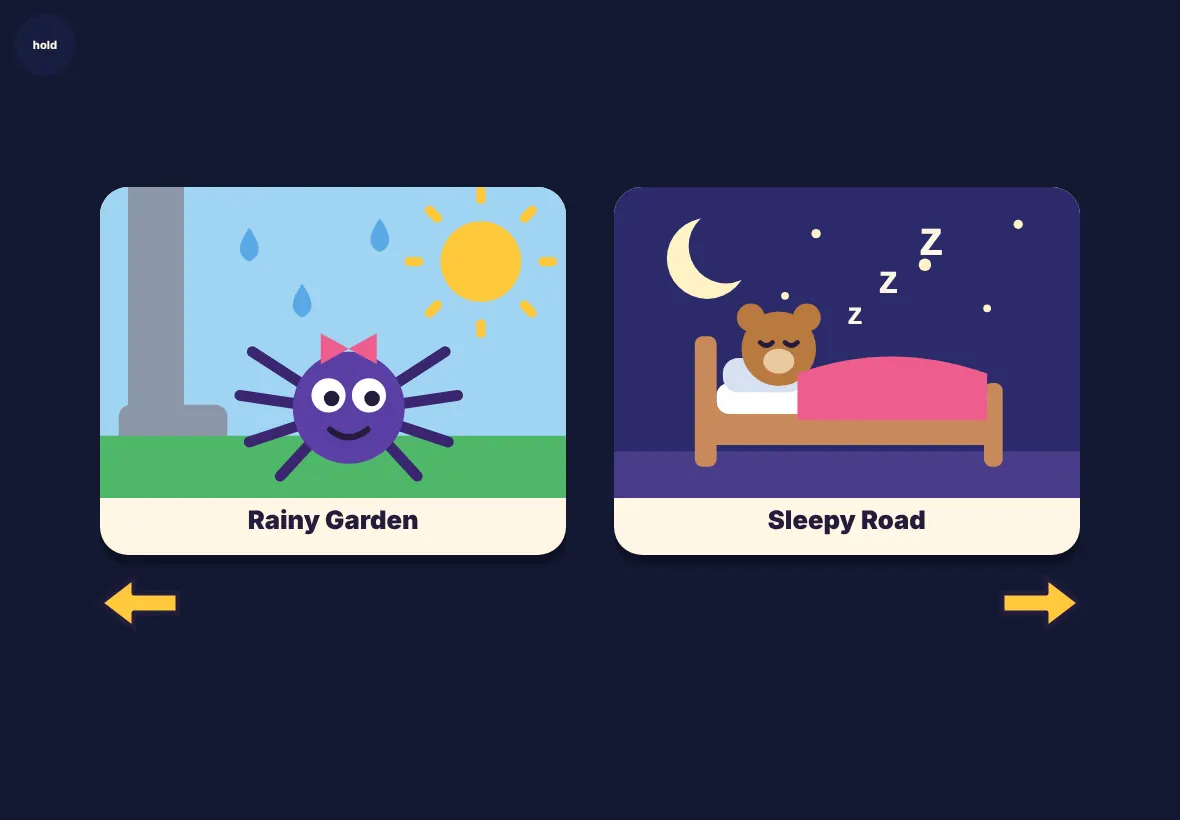
Two big pictures: lean the stick toward one and hold, or tap it. After a race the picker returns and starts the same world on its own if nobody chooses.
Rainy Garden
Itsy Bitsy Spider
Collect suns along the track. As they're delivered, the rain clears, the sky brightens and a rainbow appears, all to the Itsy Bitsy Spider tune.
Sleepy Road
Lullaby · tucking in
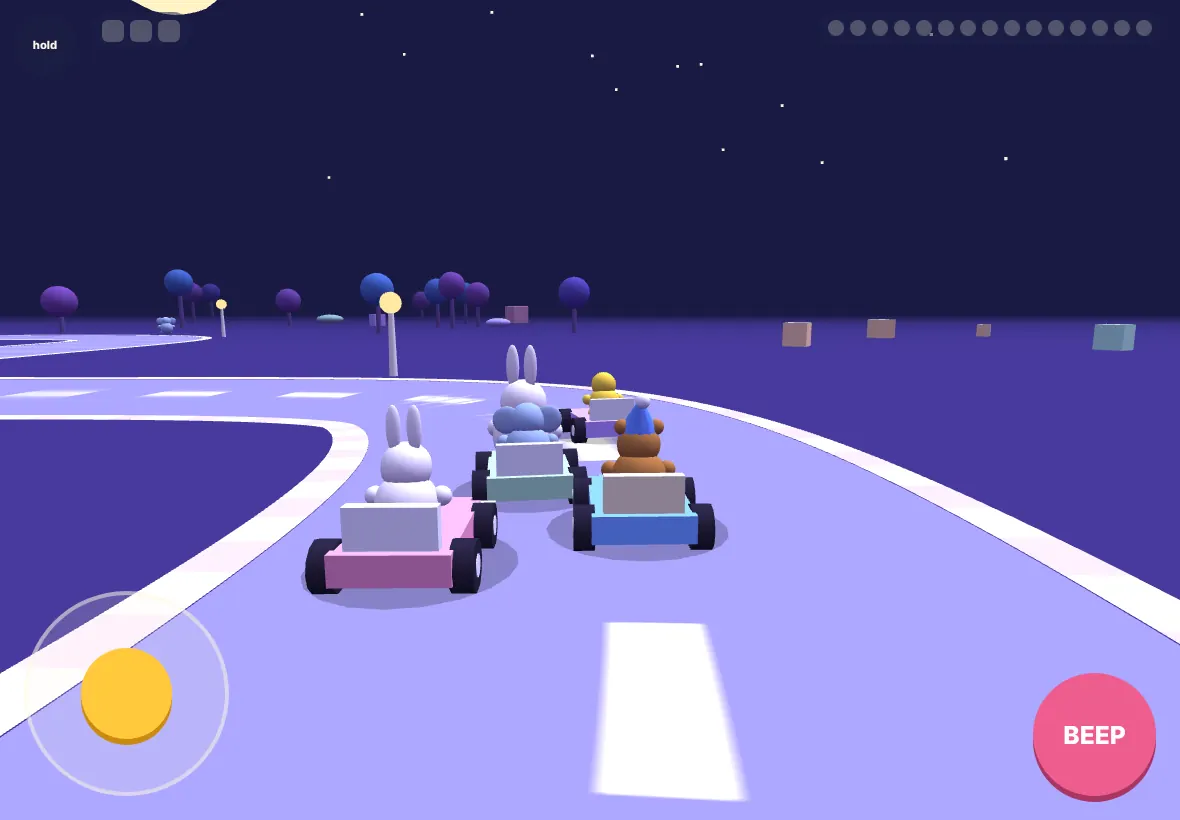
Collect stuffed animals and tuck each one into its own bed along the road, under the moon, to Twinkle Twinkle.
Made to be kind
No losing
Friendly karts wait and never win. Things to collect drift toward the kart. Puddles splash and pillows bounce. If the child stops pushing, a big arrow shows them how to go.
How it learns
Tuned every night to how they drive.
Before the first race, each child taps or leans toward their own letter. After that, the game notes which world they choose, how long they keep driving, how many races they finish, what they collect, and when they stop pushing.
Each night Claude reviews that play alongside the family's goals and may suggest a small change. A parent applies it, the scorecard measures whether it helped, and the playbook learns from the result. It's the same loop as Itsy's Big Show.
What a review can change
| Setting | Range |
|---|---|
| Top speed | 18 to 42 |
| Laps per race | 1 to 5 |
| Things per lap | 3 to 8 |
| Item magnet | how strongly items drift to the kart |
| Friends' speed | 12 to 32 |
| Timing | when the arrow appears, how long celebrations last |
| Worlds | which are offered first, or switched off |
Changes outside these ranges are rejected automatically, and every version is test-driven before a parent sees it.
Install the kart
Computer + joystick
- Open the kart in Chrome or Edge.
- Wiggle the joystick until it says "Joystick found".
- Click Install in the address bar.
iPad & iPhone
- Open the kart in Safari.
- Tap Share.
- Tap Add to Home Screen.
Grown-ups
To leave, hold the button in the top corner for 1.5 seconds. Suggestions, scorecard and settings for the kart are in the parent dashboard.